Mobile apps
We build an app your customers will open every day. We keep the flows simple and stay with you through the store launch and the updates that follow.
Scope
What we cover
A mobile app only pays off when it’s worth opening every day. So we first pin down when people will open the app and what for, then keep the flows short and the screens simple. We build for iOS and Android from a single codebase, and run the store launch and later releases with you.
iOS and Android apps
With React Native and Expo, we build apps that run smoothly on both platforms from a single codebase. When needed, we reach device features like the camera, location or Bluetooth through native modules.
- iOS and Android app
- Source code and build settings
- TestFlight and Google Play test builds
- Technical documentation
App design
We design every screen from first launch to checkout, and keep each one in line with how the two platforms usually behave. We test the clickable prototype with real users and simplify the flows.
- User flows
- Designs for every screen
- Clickable prototype
- Component library
Accounts, notifications and payments
We set up sign-in, push notifications, in-app purchases and subscriptions. We tie notifications to moments that are useful to the user, so they don’t turn into noise.
- Sign-in and account management
- Push notification setup
- In-app purchases and subscriptions
- Notification sending panel
Backend and admin panel
We build the services and the panel where you manage the app’s data, users and content. You can change content and campaigns without waiting for an app update.
- API and database
- Content and user management panel
- Analytics event plan
An app for your existing product
If you already have a website or platform, we add a mobile app that works with the same accounts and data. We review your current API and fill in the missing endpoints.
- API compatibility review
- Shared sign-in and data with the web
- One design language across web and mobile
Store launch
We prepare the App Store and Google Play submissions, store images, descriptions and privacy disclosures. We follow up on feedback during review and make the fixes needed.
- Store listing copy and screenshots
- Privacy and data disclosures
- Developer account setup
- Release and review tracking
Releases and maintenance
Support for new iOS and Android versions, library updates and bug fixes follow a regular schedule. We monitor crash and performance data and set priorities from it.
- Release schedule
- Crash and performance monitoring
- Compatibility with OS updates
- Release notes
Examples
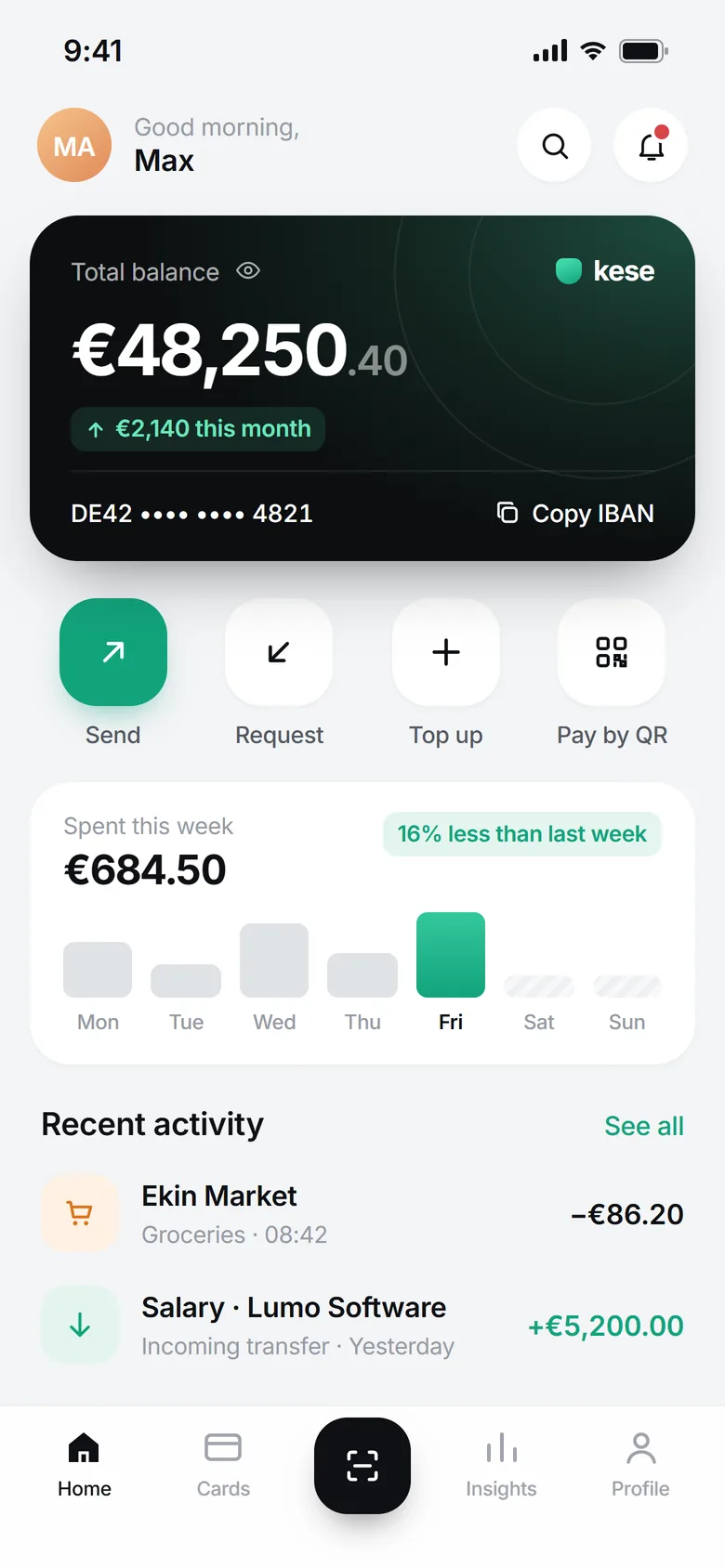
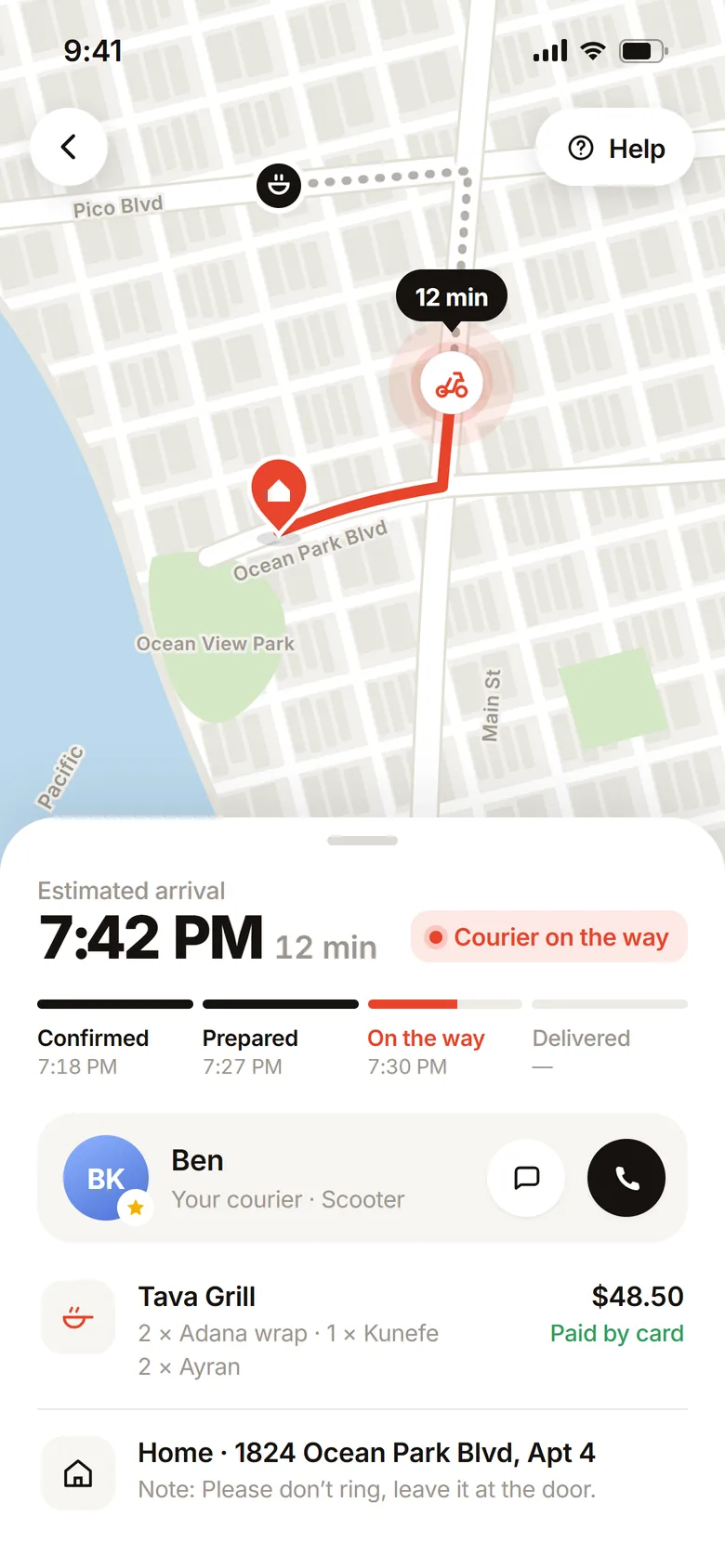
The kind of work we ship
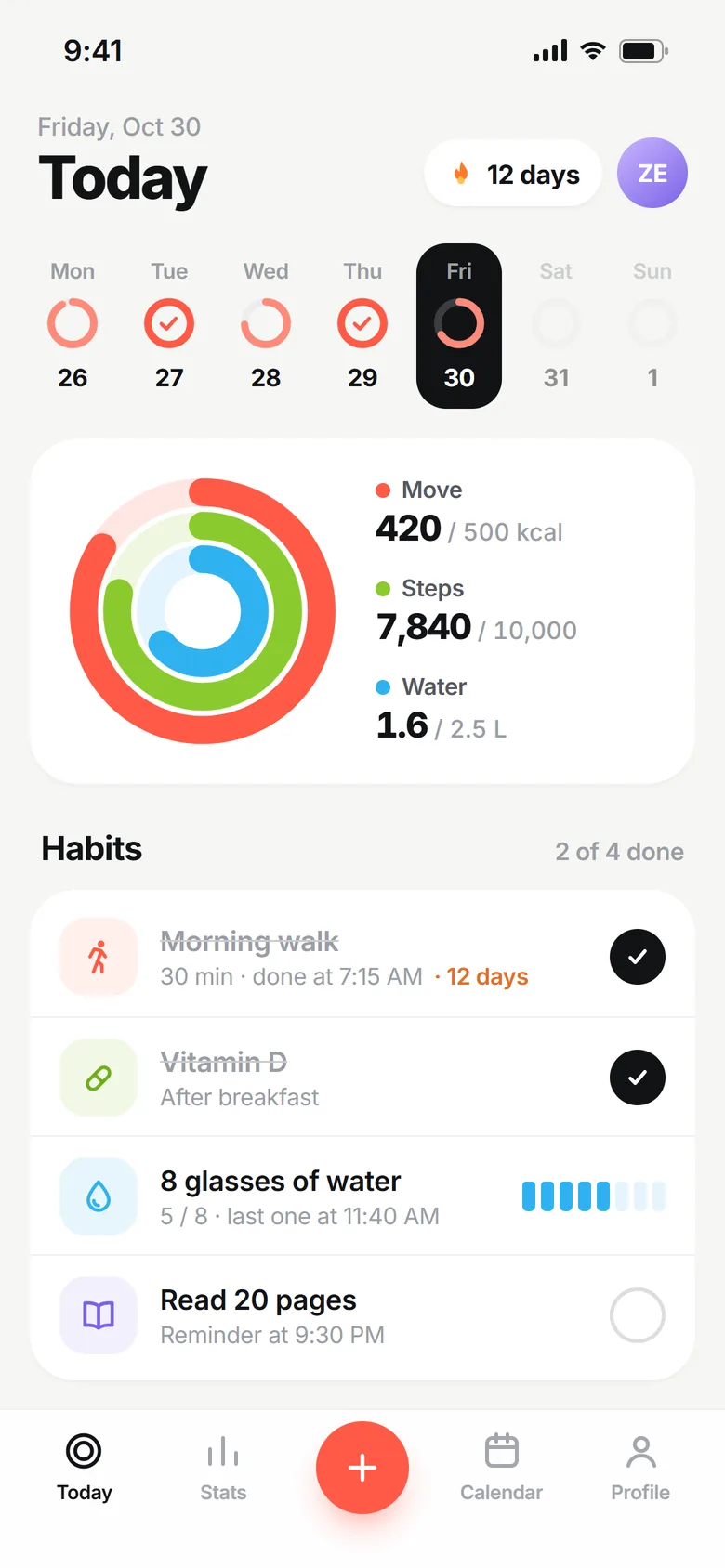
Concepts we designed in the studio to show what work in this area looks like. Client names and data are examples.
Try it
Let us show you instead
We built this small piece as an example of the service. Play with it for a bit, then let’s talk about what we could build for you.
See the other eight demosProcess
How it runs
Discovery and flows
We pin down who the app is for, when they’ll open it and for what job. We sketch the main flows and decide which screens go into the first release.
Design and prototype
We design the screens and turn them into a clickable prototype that opens on a phone. We try it with a few real users and fix the places where they get stuck.
Development and test builds
We build the app and its backend in short cycles. At the end of each cycle we send a test build you can install on your phone.
Store launch
We prepare the store page, images and privacy disclosures and submit the app. We follow the review and open the release once it’s approved.
Tracking and updates
We monitor crash, usage and conversion data. We ship support for new OS versions and new features in planned updates.
Why Gosedu
Working with us
One codebase, two platforms
We work from a single codebase instead of separate iOS and Android teams. A new feature ships on both platforms at the same time, and maintenance happens in one place.
Prototype first
Before writing code, we test the flows with a prototype you can try on your phone. By the time the first release reaches the store, users have already seen it.
We stay on after the store
Launch is a starting point. We update your app regularly for new OS versions, changing store rules and user feedback.
Tools we use
- React NativeiOS and Android from one codebase
- ExpoBuilds, test releases and updates
- TypeScriptCode
- SwiftNative iOS modules when needed
- KotlinNative Android modules when needed
- SupabaseAuth, data and storage
- Firebase Cloud MessagingPush notifications
- RevenueCatIn-app purchases and subscriptions
- FigmaScreen design and prototyping
- SentryCrash and error tracking
FAQ
Common questions
Do you build separate iOS and Android apps?
In most projects, no. With React Native we ship apps for both platforms from a single codebase, and the interface behaves the way each platform’s users expect. Where heavy graphics or special hardware are involved, we write native modules in Swift and Kotlin.
How long until an app is live?
It depends on the number of screens, the backend needs and the integrations. A focused first release usually reaches the store in a few months; we also leave a few days in the schedule for store review. After discovery we share a timeline along with the list of screens.
What sets the cost?
The number of screens and flows, backend and admin panel needs, integrations like payments, notifications and maps, and technical requirements like working offline. We break the scope into line items and price the first release and later phases separately.
Whose name are the store accounts in?
The App Store and Google Play developer accounts are opened in your company’s name, and the app is published on your account. The code we write specifically for your project is yours once payments are complete; we hand over the build and release steps in writing.
How do updates work after launch?
We plan regular releases for new features and OS compatibility, and open each release to test users first. Small fixes that only touch code and content can go out through Expo’s update service without waiting for store review, as far as store rules allow.
Let’s start
Let’s talk about your project.
Tell us in a few sentences what you want to build, and we’ll come back with a roadmap and a quote.